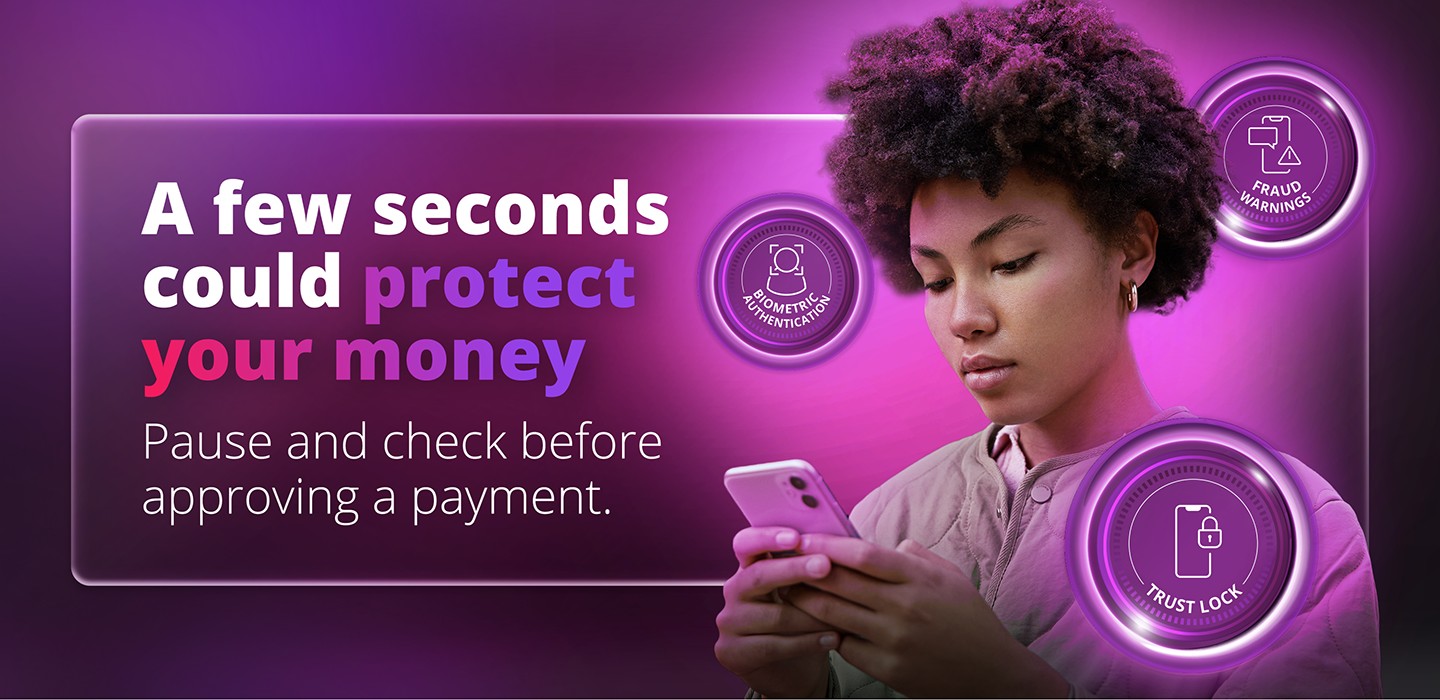
Pause. Check. Then approve: Your best defence against fraud
Fraudsters are becoming increasingly sophisticated - and they don't always need to hack your bank account to steal your money. Learn what warning signs to look for and how your Discovery Bank alerts can help stop fraud before it becomes a loss.
Fraudsters don't always need to break into your bank account. Sometimes, they simply need to convince you to let them in.
It could start with an SMS that looks like it's from your bank. An email about a missed delivery or a WhatsApp message about an outstanding AARTO notice. A phone call from someone claiming to be from your bank or another trusted company. Or an investment opportunity promising impressive returns with little risk.
These scams are designed to look legitimate and, importantly, to make you act quickly. And they're becoming increasingly sophisticated.
According to the 2025 Annual Banking Crime Statistics Report from the South African Banking Risk Information Centre (SABRIC):
- Digital banking crime losses increased to R2.4 billion in 2025, up from approximately R1.9 billion in 2024.
- Banking app-related crime accounted for more than 70% of reported digital banking losses.
- Card-fraud losses also increased by 18%, reaching R1.7 billion.
So, how can you protect yourself?
Understand how the scam works
Many scams rely on social engineering - manipulating you into handing over information or approving something yourself.
A fraudster might send a phishing message designed to get you to click a link. They may then obtain your banking credentials or other information and use it to gain access to your accounts. You could then receive a phone call from someone claiming to be from your bank, telling you that fraud has been detected and that you need to approve a transaction to stop it.
This is known as vishing - fraud carried out through a fraudulent voice call. The important thing to remember is that the fraudster may be trying to persuade you to authorise the payment yourself.
A traffic fine can be the hook
A recent example is the growing use of fake Administrative Adjudication of Road Traffic Offences (AARTO) messages.
You might receive an SMS, email or WhatsApp message claiming that you have an outstanding traffic fine, demerit points or an urgent AARTO notice. The message may warn that you need to act or pay immediately and include a link. It can look convincing. But clicking the link could take you to a fake AARTO or PayCity-lookalike website, where you're asked to enter your card details to pay the supposed fine.
From there, a fraudster may try to use your card details to make unauthorised transactions. For example, you could receive a request to provision your card to a digital wallet such as Apple Pay or Google Pay, or a 3D Secure authentication request. If you believe you're simply confirming payment of the traffic fine, you might approve it - without realising you're giving a fraudster the ability to transact on your card.
The lesson? Don't let the message decide for you.
AARTO does not request payments through WhatsApp or unsolicited links. Be particularly careful of messages that pressure you to act immediately or threaten consequences if you don't. If you receive a traffic-fine message you're unsure about, don't click the link or enter your card details. Instead, verify the information independently through the official AARTO website or the official PayCity website or app.
Make "pause and check" your new security habit
This is where one of your simplest fraud-prevention tools comes in: your ability to stop and think. When you receive a payment authentication request or TRUST alert, don't automatically tap Approve. Read the message. Pause. Check the details.
Look at the merchant or beneficiary name and amount and ask yourself:
- Do I recognise this merchant or beneficiary name?
- Is this the amount I expected?
- Did I actually make this payment?
- Was I expecting this request?
- Does anything about the transaction seem unusual?
If you're not sure, don't approve it.
Discovery Bank's in-app authentication provides information to help you check what you're approving, while TRUST alerts can flag transactions that appear unusual based on your normal behaviour. That alert isn't just another notification. It's a chance to stop fraud before it becomes a loss.
Don't let urgency make the decision for you
Fraudsters rely on urgency. They may tell you that your account has been compromised, that a payment needs to be reversed immediately, or that you must approve a transaction to prevent fraud. They may sound professional and convincing. But remember: A sense of urgency is a reason to slow down - not speed up.
Never share your OTP, PIN, password, banking credentials or card details with someone who contacts you unexpectedly. Your bank will never ask you for passwords or OTPs over the phone, SMS, email or messaging apps.
If you receive a suspicious call, don't use the contact details provided by the caller. Contact us immediately on 011 324 4444.
Think twice before clicking
Phishing messages can arrive by email, SMS, social media or messaging apps. They may appear to come from your bank, a courier, government department, retailer or service provider. Before clicking a link, ask yourself: Was I expecting this? If not, don't click. Instead, open the official website or app yourself and check whether the communication is genuine. And be particularly careful about downloading apps or software from links you receive unexpectedly. A fraudulent app can potentially compromise your device and give criminals another way to access your information.
Be sceptical of investment opportunities that sound too good to be true
Not every scam starts with a fake bank message. Investment scams can appear through social media, messaging groups and fake endorsements from public figures or reputable companies. They may promise guaranteed returns, cryptocurrency opportunities or high profits with little risk.
Before investing:
- Be sceptical of guaranteed or unusually high returns.
- Research the investment independently.
- Check whether the provider is properly registered and regulated.
- Don't transfer money simply because someone recommended an opportunity on social media or a messaging platform.
Your security starts with a few good habits
Technology plays an important role in protecting your money, but your decisions matter too.
- Use biometric authentication and a secure device passcode.
- Keep your banking apps updated.
- Monitor your account activity and transaction notifications, and use card controls and transaction alerts where available.
Most importantly, remember: Think before you click. Verify before you pay. Pause before you approve. That few-second pause may be all it takes to prevent a fraudulent transaction from becoming a financial loss.
Read more on the Discovery Bank Blog
Think before you click, approve or download
Stay safe from modern banking scams. Learn how fraudsters use phishing, investment scams, remote access tricks and money mule schemes - and how to protect yourself.
Shop smart this Black Friday and Cyber Monday - stay safe with Discovery Bank.
Shop smart this Black Friday & Cyber Monday with Discovery Bank! Avoid scams, fake sites & card skimming. Use in-app authentication & real-time fraud alerts for safe, stress-free shopping.
Stay smart. Stay safe. Stay scam-aware
Stay smart. Stay safe. Stay scam aware. Discovery Bank helps you spot scams early - from fake banking details to puppy fraud - so you can protect your money and stay secure.