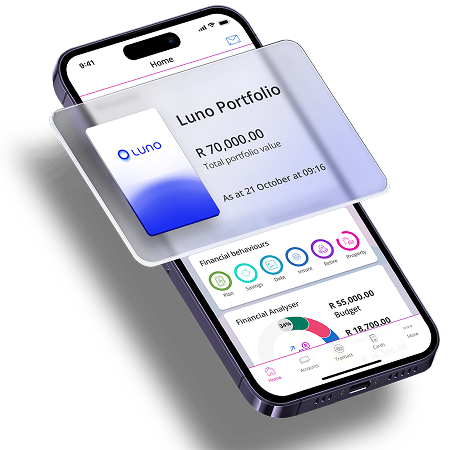

Simple crypto management in
your Discovery Bank app
How to link your Luno account in the Discovery Bank app
Simply log in to your Discovery Bank app:
- Tap More, then Add Account
- Select Luno
- Follow the quick linking steps
How to transfer money from your Discovery Bank account into your Luno Wallet
Simply log in to your Discovery Bank app:
- Tap Transact, then Transfer
- Select the Discovery Bank account you would like to transfer money from
- Select your Luno Account
- Enter the amount and reference
- Tap Next, then Transfer
How to buy and sell crypto assets
Simply log in to your Discovery Bank app:
- Tap Accounts
- Select your Luno account
- Tap Crypto
- Select Buy more Crypto
- Select the crypto assets to trade
- Choose whether to buy or sell
- Enter the amount
- Tap Next, Buy, then Done
Not a Discovery Bank client?
Sign up for a transaction account, credit card or suite and be one of the first to apply for home
Call us on 0860 000 628 or fill in some quick details and we'll call you.
Discovery Bank Ltd. Auth FSP 48657. Limits, Ts & Cs apply. Rewards based on your engagement in Vitality programmes, Discovery products, and monthly qualifying card spend. Investing in crypto assets with Luno may result in the loss of your capital.